Product Stock Count Template (Free Printable)
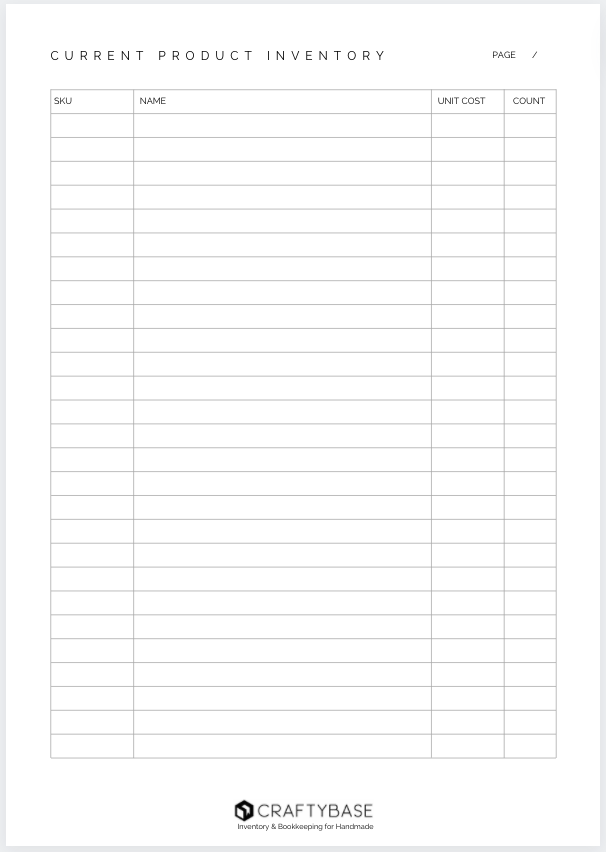
Doing a manual inventory count of your product stock? Download our free inventory count sheet printable to get started!
Why use a inventory count sheet?
Inventory count sheet templates are essential tools in inventory management, providing an organized and systematic approach to tracking the quantity of different types of products held by a company. These templates can be designed to record information such as product names, codes, available quantities, and even dates of last stock counts. They help businesses monitor their stock levels effectively, aiding in maintaining optimal inventory levels, preventing stock-outs or overstock situations, and ultimately contributing to better financial management and customer satisfaction.
Frequently Asked Questions
An inventory count sheet is a printed or digital form used to physically count and record the quantity of stock you have on hand. It typically includes product name, SKU, location, expected quantity, and a blank field for the actual counted quantity. Using a count sheet helps confirm your recorded inventory levels match what's actually sitting on your shelves, and surfaces any discrepancies that need investigating.
Start by printing your count sheet with a list of all products and materials you expect to have on hand. Pause any sales or production activity during the count if possible. Count each item location by location and record the physical quantity on the sheet without looking at your expected figures first (this prevents confirmation bias). Once done, compare your counted quantities against expected levels and investigate any significant differences.
Most small businesses do a full inventory count once or twice a year: typically at year-end for tax purposes and again mid-year as a check-in. Many experienced makers also run smaller cycle counts monthly or quarterly, focusing on their highest-value or fastest-moving materials rather than counting everything at once. The more regularly you count, the easier each count becomes.
When your counted quantity differs from your expected quantity, recount the item first before making any adjustments. If the discrepancy persists, investigate possible causes: unrecorded sales, missing supplier deliveries, breakage or waste not logged, or data entry errors. Once you've identified the cause, update your records to match the physical count and note the reason for the adjustment so you can spot patterns over time.
Yes. Craftybase generates randomised cycle count forms based on your live inventory, so you always have an up-to-date count sheet ready to print or use on a device. Because Craftybase tracks your purchases, manufactures, and sales automatically, the expected quantities on your count sheet are accurate (not estimates). Any discrepancies you find are flagged clearly so you can investigate and adjust with a full audit trail.