Squarespace Inventory FAQ
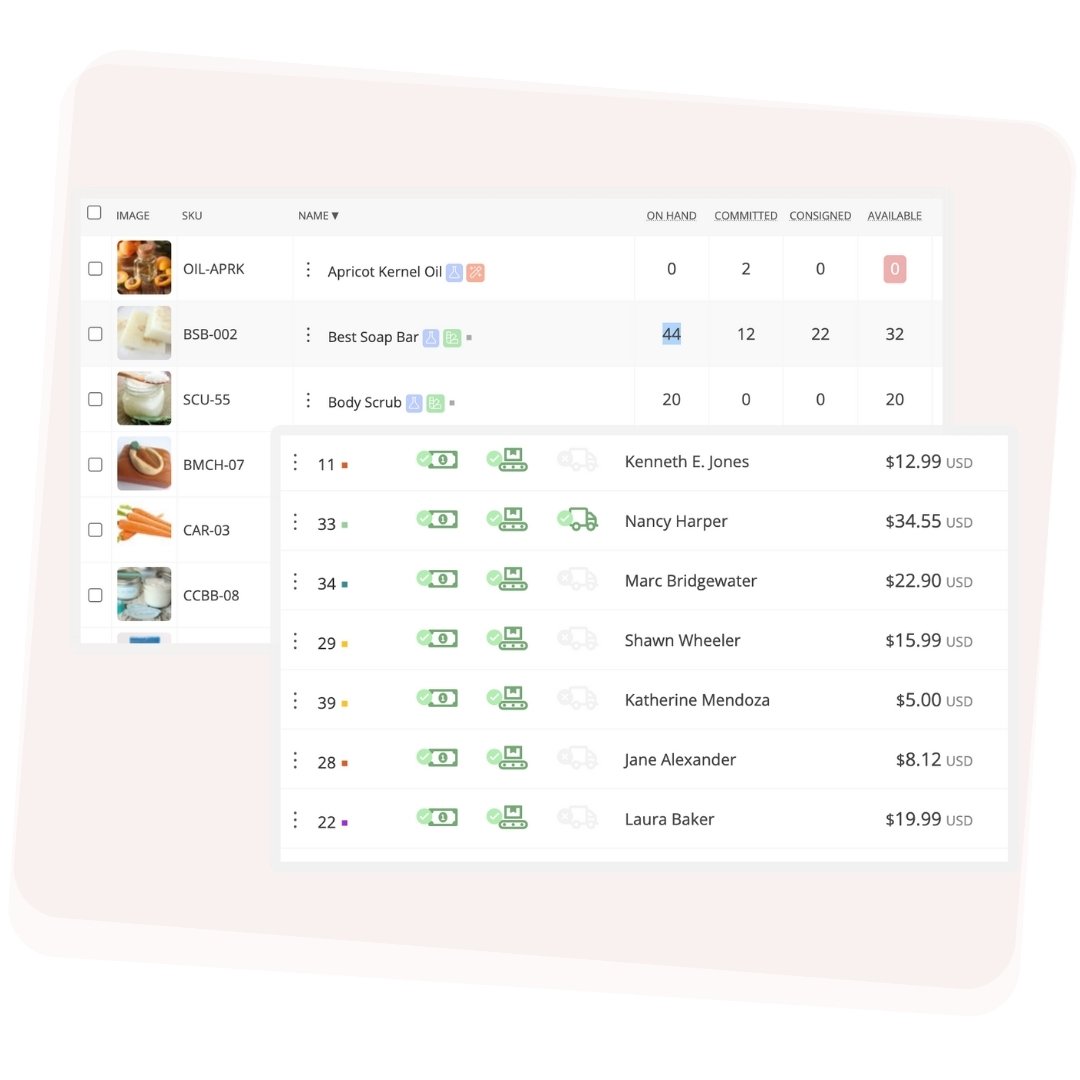
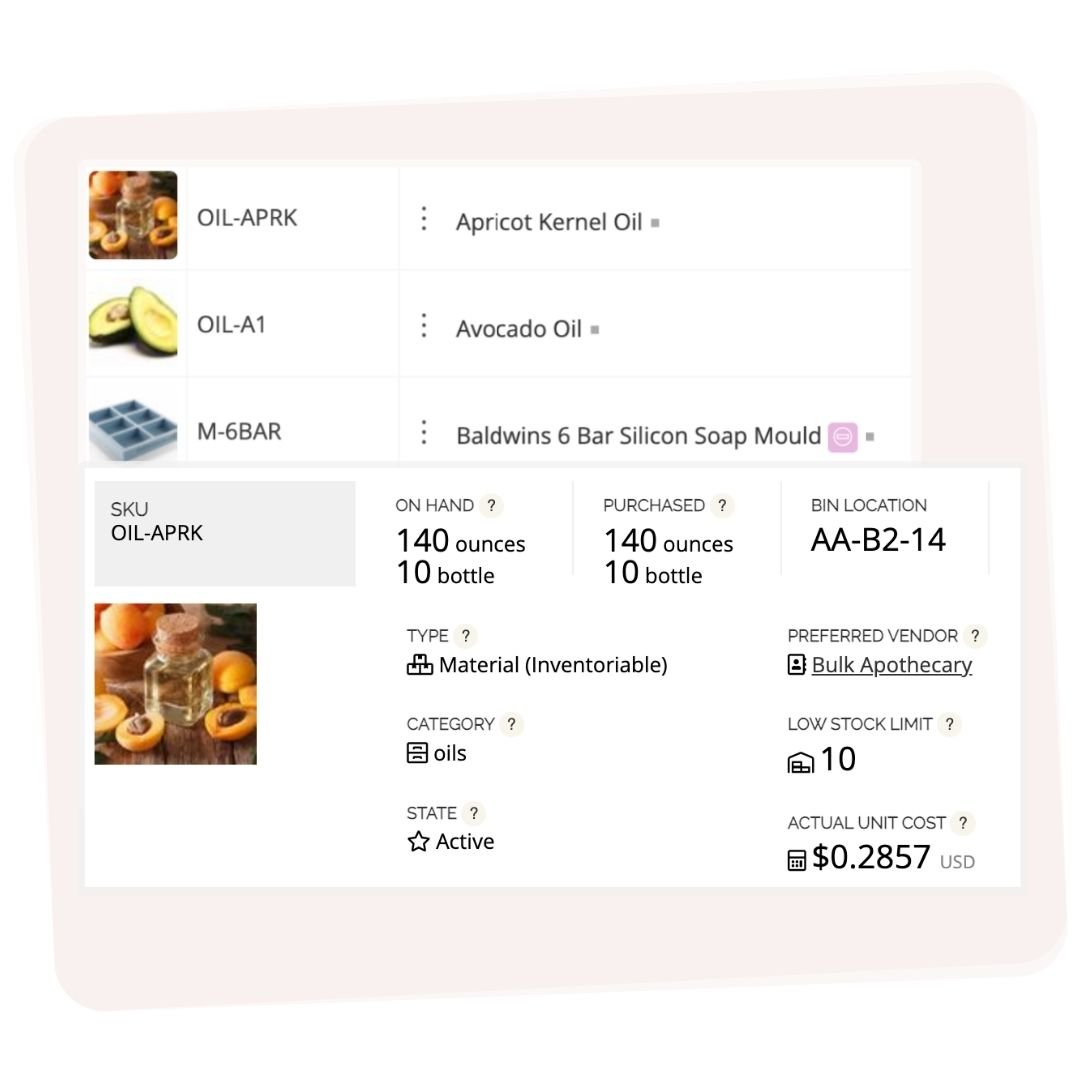
Squarespace tracks finished product quantities — how many units you have listed and how many have sold. What it doesn't track is the raw materials behind each product, recipe costs, or your true COGS. For makers who handcraft their products, this gap means pricing is guesswork and tax time is painful. Craftybase fills that gap by adding material inventory, recipe costing, and manufacturing records alongside your Squarespace sales data.
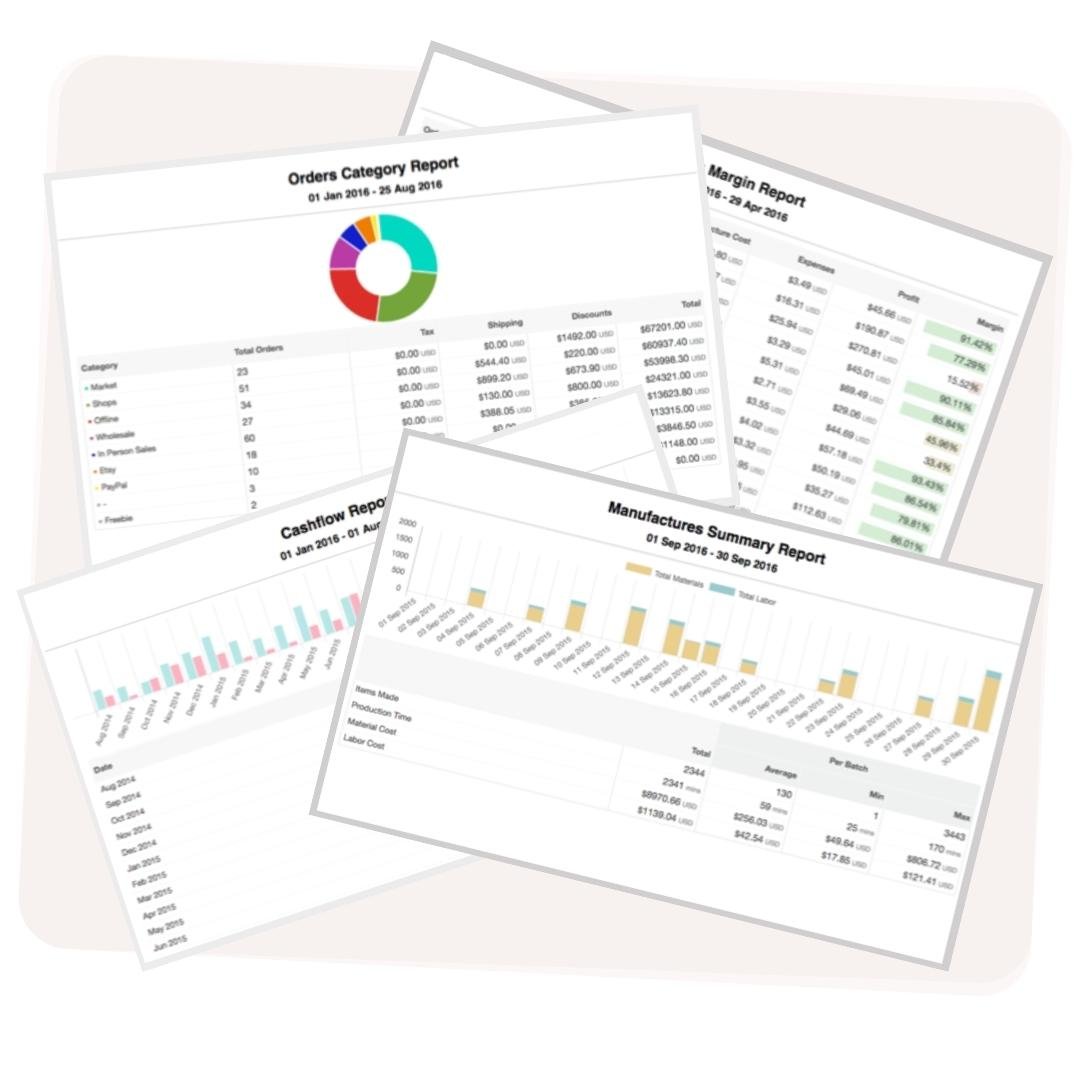
COGS for a handmade business equals the cost of materials consumed plus direct labor per unit produced. Squarespace doesn't calculate this automatically — you'd need to maintain a separate spreadsheet or use a dedicated tool. Craftybase connects to your Squarespace store, tracks your material purchases and manufacturing batches, and calculates accurate COGS per product in real time. At year end, you pull a Schedule C-ready report instead of doing a manual count.
Yes. Craftybase imports orders from Squarespace alongside Etsy, Shopify, Amazon, WooCommerce, Square, Faire, and Wix — all from one account. Material inventory and COGS are calculated from a single set of recipes and purchase records, so your numbers stay consistent across every channel. Stock Push can write updated quantities back to Squarespace and other platforms after each manufacture run.
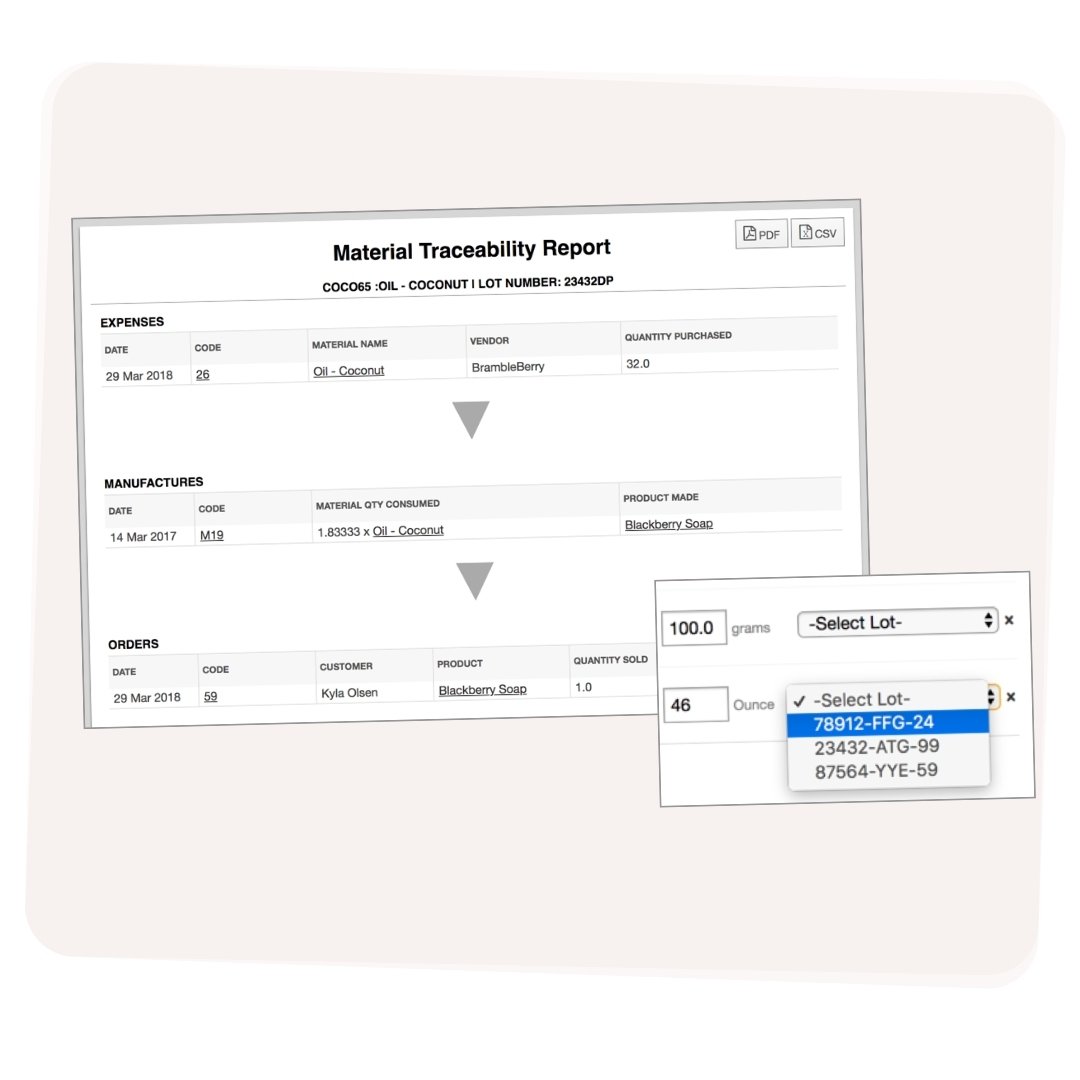
Craftybase is built specifically for small-batch makers selling on Squarespace. Unlike general inventory tools designed for retail or wholesale, Craftybase models the manufacturing workflow: you buy raw materials, build recipes, record batches, and sell finished products. The system tracks every step — from purchase order to Squarespace sale — and gives you accurate COGS, pricing guidance, and tax reports without a spreadsheet in sight.